One room or multiroom
Use a single HEOS speaker by your bed or wake the whole home. You choose exactly which devices play.
Control Spotify playback across your HEOS system, save complete setups as Scenes, start them with one tap — or wake up to them automatically.
Focused by design. One Android app, one HEOS ecosystem and one music service.

GOOD MORNING
Start the day with the Spotify playlist, HEOS devices and volume levels you actually want — automatically and reliably.
Use a single HEOS speaker by your bed or wake the whole home. You choose exactly which devices play.
Begin quietly and raise the volume gradually over the ramp duration you define.
Choose the playlist, shuffle behaviour, time and weekdays once. Autoplay recreates the complete setup.
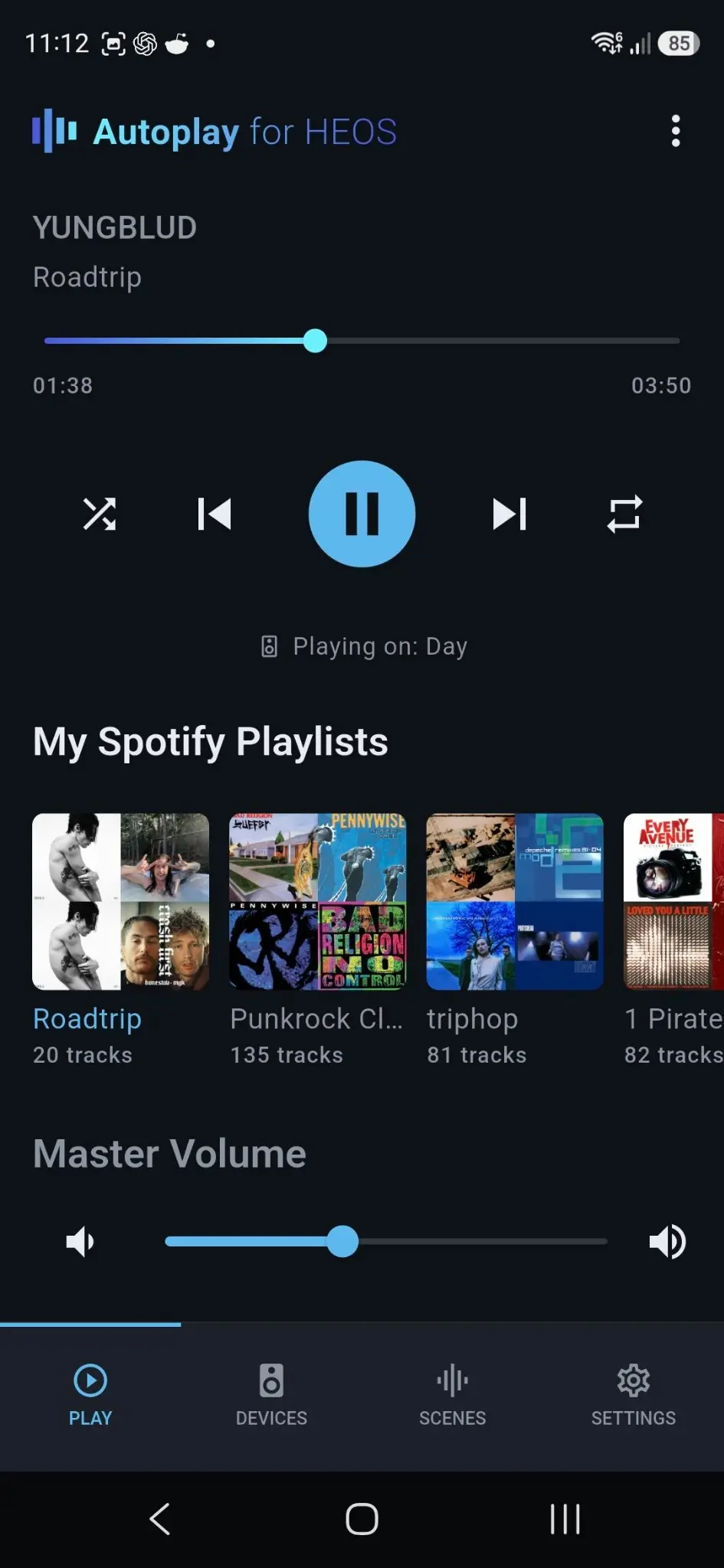
Browse and start your Spotify playlists, control what is playing and choose exactly where it should play — without switching between apps.
Choose the music you already saved in Spotify and start it directly on your HEOS setup.
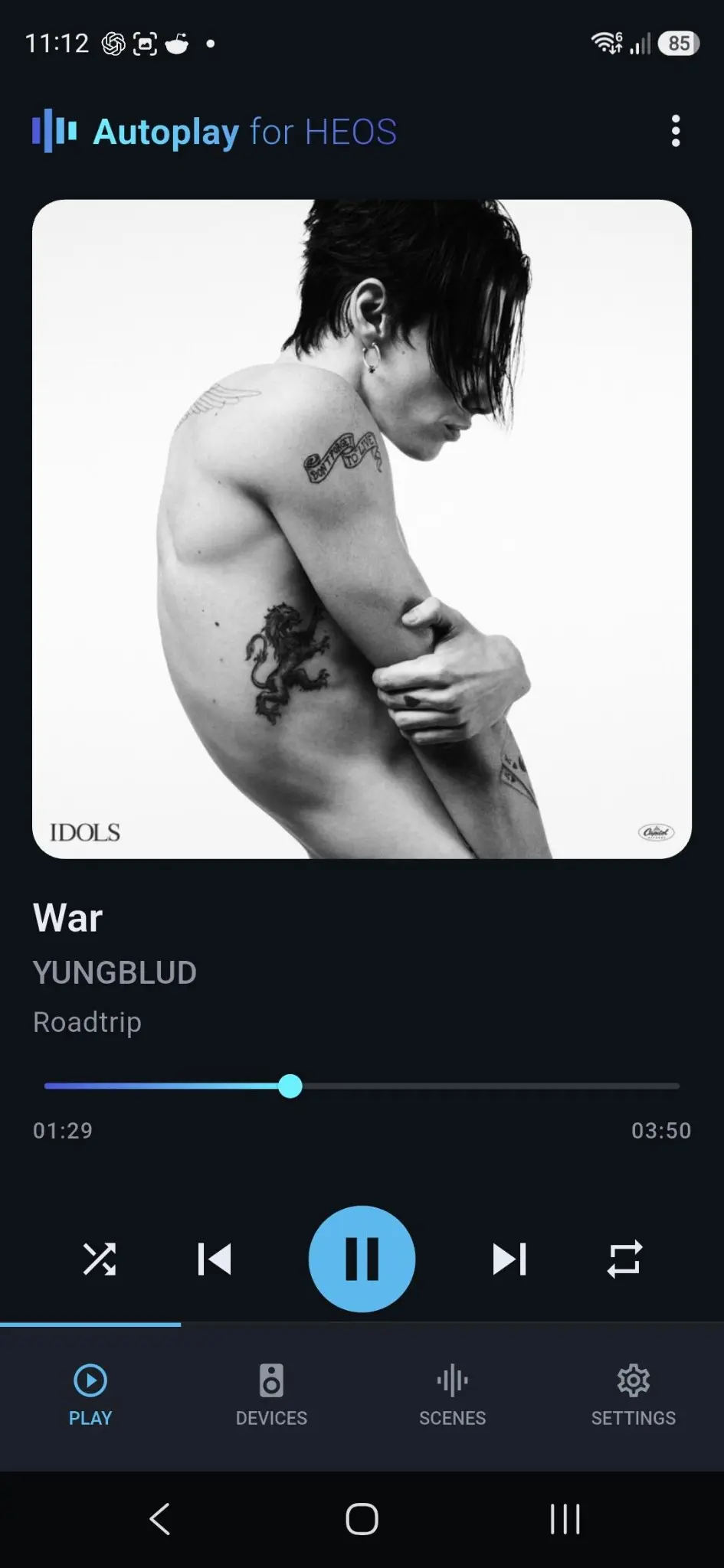
Play, pause, skip, seek, shuffle, repeat and adjust the volume from one Now Playing screen.
See the active HEOS target and move between a single player and your multiroom group.
Spotify Premium is required for Spotify playback and automation in V1.
Autoplay is designed around one combination: an Android device, compatible HEOS hardware and Spotify Premium.
You need at least one product with HEOS Built-in. Autoplay discovers and controls compatible speakers, sound bars and AV receivers on your local network.
Shown: Denon Home 150. Denon Home 250 and other compatible HEOS products are also supported.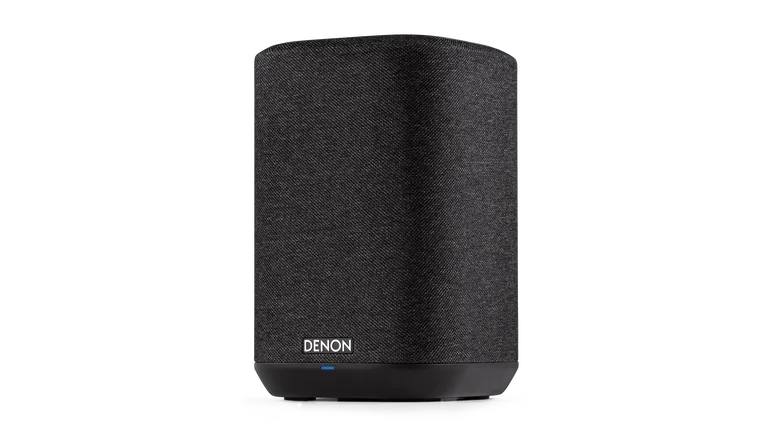

Basic HEOS control works locally. The full Autoplay value — scheduled playlists, shuffle and reliable wake-up routines — is designed specifically for Spotify Premium.
Other music services are not supported in V1.V1 is built for Android. Supporting one platform and one music service keeps the focus on dependable automation instead of a broad but shallow feature list.
Which devices should play together? At what volume? What should play — and when should it start automatically? The desired state is clear, but it has to be rebuilt manually every time.
Autoplay turns that repeated setup into a reusable Scene. You define the result once. The app handles the technical decisions required to recreate it.
The core improvement is not another feature. It is a simpler model for recurring multiroom routines.
A Scene captures the state you want: rooms, volume levels, source and timing. The technical setup stays in the background.
Select the players that belong to each Scene instead of rebuilding groups or accepting one fixed multiroom setup.
Turn any Scene into an alarm: one HEOS speaker or multiple rooms, your Spotify playlist, weekdays and a gradual volume ramp.
Browse your Spotify playlists, control what is playing and choose the target HEOS devices. The same player then connects directly to Scenes and schedules.
A Scene describes a desired outcome. Autoplay turns it into a repeatable multiroom routine.
Select exactly which HEOS players belong to this Scene — without relying on a fixed group.
Set the source, playlist, shuffle behaviour and the volume for every room.
Choose the weekdays, wake-up time and gradual volume ramp — then let Autoplay recreate the Scene.
Device discovery, control, Scenes and schedules work locally on your network. Autoplay requires neither its own user account nor a mandatory cloud backend.
Privacy in detail →A current Android phone or tablet. V1 does not support iOS.
At least one compatible HEOS speaker, sound bar or AV receiver on the same network.
The only supported music service in V1 and required for the complete automation experience.
The closed Android test is being prepared. Help verify the complete experience — from Spotify playback and one-tap Scenes to a reliable wake-up alarm — with your HEOS setup.
Register your interestNo commitment · No newsletter subscription